
Realistic AI Voice Cloning

Generate Custom Singing and Speaking Voices

Explore Kits' advanced voice cloning tool to create realistic, custom AI voices. Clone voices quickly for demos, backing vocals, podcasts, audiobooks, and creative projects with natural-sounding results. Start your voice cloning journey today.

Before
After
Try Now
Realistic AI Voice Cloning on Kits

Streamline Remote Music Collaboration with AI Vocal Cloning

Streamline remote music collaboration with AI vocal cloning. With Kits.ai, you can share and refine studio-quality vocals effortlessly, enabling artists and producers to collaborate no matter where they are.

Lifelike AI Music Demo Tools

Effortlessly create professional-quality demos with Kits' lifelike AI vocal Cloning. Showcase your musical ideas with studio-level clarity and realism, perfect for sharing with collaborators or pitching to labels.

Improve Your Vocals with AI Vocal Enhancer Tools

Kits' AI Vocal Enhancer tools make it easy to achieve studio-quality vocal clones. Refine clarity, tone, and depth effortlessly, transforming your recordings into professional, polished tracks. Ideal for musicians, podcasters, and producers looking to elevate their sound.

How to use Realistic AI Voice Cloning on Kits

Navigate to the Create Voices page

Navigate to the Create Voices page

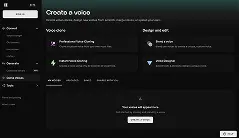
Sign in and go to the Kits voices page and select a voice creation process.

Record a dataset or upload an existing one

Record a dataset or upload an existing one

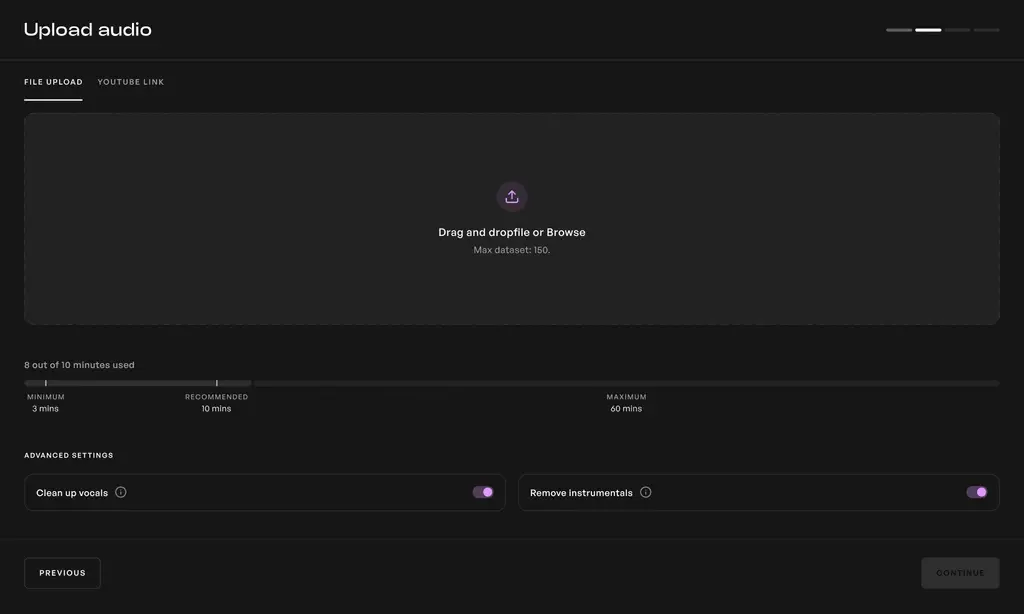
Training a quality voice requires a precision dataset. Prepare your dataset following one of our video or text guides.

Upload your audio & train

Upload your audio & train

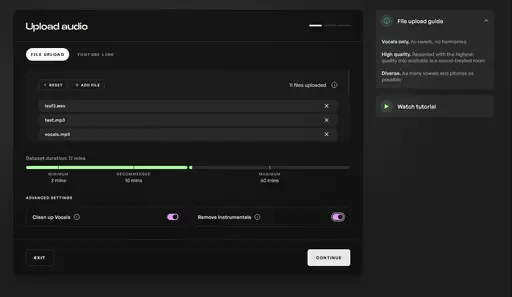
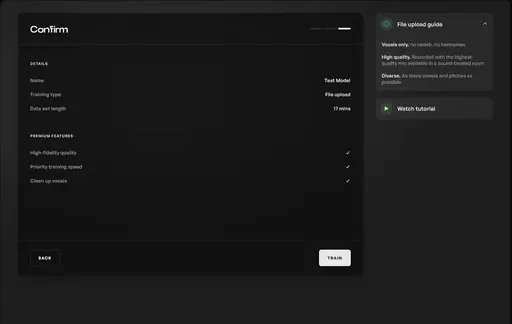
Upload your audio, press train, and navigate to your My voices dashboard to wait for your voice to finish training.

Getting started with Realistic AI Voice Cloning

AI Voice Cloning Tutorial: Create Any AI Voice with Kits

Frequently Asked Questions

Kits Voice Cloning allows you to create and train your own high-quality AI voice clones with no AI expertise required. Simply import audio files of your choice and let Kits train a studio-ready model unique to your production needs.
Visit the Kits train page to create your own AI voice clone. Prepare at least 10 minutes of dry, monophonic vocals and press Train to have Kits create a custom AI voice generator in one click.
Preparing vocals for an AI voice clone involves sophisticated audio pre-processing techniques. These include clean EQ adjustments, subtle pitch correction, and compression to ensure the AI voice generator receives the highest quality data. This results in an AI voice model that authentically represents the original recording.

Start creating with Kits

Explore voice conversion, voice creation and audio tools. Review current plans and account terms in the app.

Get started free